What is the CompTIA A+ Core 1 Certification?
CompTIA A+ Core 1 is the first of two exams you need to pass to earn the CompTIA A+ certification — the most recognized entry-level IT credential in the industry.
Here’s what you need to know at a glance:
| Detail | Info |
|---|---|
| Exam Code | 220-1201 |
| Max Questions | 90 |
| Time Limit | 90 minutes |
| Passing Score | 675 (scale of 100–900) |
| Launch Date | March 25, 2025 |
| Estimated Retirement | 2028 |
| Recommended Experience | 12 months hands-on IT support |
| Domains Covered | Mobile Devices, Networking, Hardware, Virtualization & Cloud, Troubleshooting |
The A+ certification appears in more tech support job listings than any other IT credential. That alone makes it the logical first step for anyone entering IT — whether you’re a veteran transitioning out of the military, a career changer, or a recent high school graduate.
This guide covers everything you need to prepare: exam structure, domain breakdowns, study resources, and career paths after you pass.
At DSDT College, we guide veterans, service members, and career changers through the CompTIA A+ Core 1 certification as part of our IT and cybersecurity programs. If you’re ready to start your IT career on the right foot, this guide is built for you.
The CompTIA A+ Core 1 certification is the foundational building block of the IT world. It focuses on the physical side of technology—the hardware you can touch and the networks that connect those devices. While the second exam (Core 2) dives into software and security, Core 1 ensures you have the “nuts and bolts” knowledge required to keep an organization’s infrastructure running.
Think of it as the industry’s primary credential for proving you can handle the demands of a modern tech support role. It covers everything from assembling a custom PC to configuring a mobile device for a remote worker. According to CompTIA A+ | The City College of New York, this certification is widely considered the industry standard for those looking to launch a tech career.
Importance for IT Career Starters
If you are searching for your first job in tech, you’ve likely noticed that employers look for more than just a passion for computers. They want proof of competency. The A+ certification is trusted by employers worldwide because it is vendor-neutral, meaning you aren’t just learning about one brand like Apple or Microsoft; you’re learning how technology works as a whole.
For our military veterans and active-duty service members, this certification is particularly valuable. It aligns with DoD 8140 requirements, making it a critical asset for those pursuing civilian roles in government contracting or defense infrastructure support. It signals to hiring managers that you possess the foundational knowledge and career readiness to hit the ground running on day one.
Breaking Down the CompTIA A+ Core 1 (220-1201) Exam
Taking a high-stakes exam can be nerve-wracking, but knowing the structure helps. The current V15 version of the exam reflects the modern workplace’s increased reliance on remote work tools, cloud-based services, and advanced mobile security. While the core concepts of hardware remain, there is a greater emphasis on troubleshooting complex connectivity issues and managing hybrid cloud environments. If you’ve been studying with older materials, it is vital to switch to V15 resources to ensure you aren’t missing new topics or studying retired technologies. This update ensures that certified professionals are prepared for the demands of modern, distributed technical environments.
Key Topics and Domain Weightings
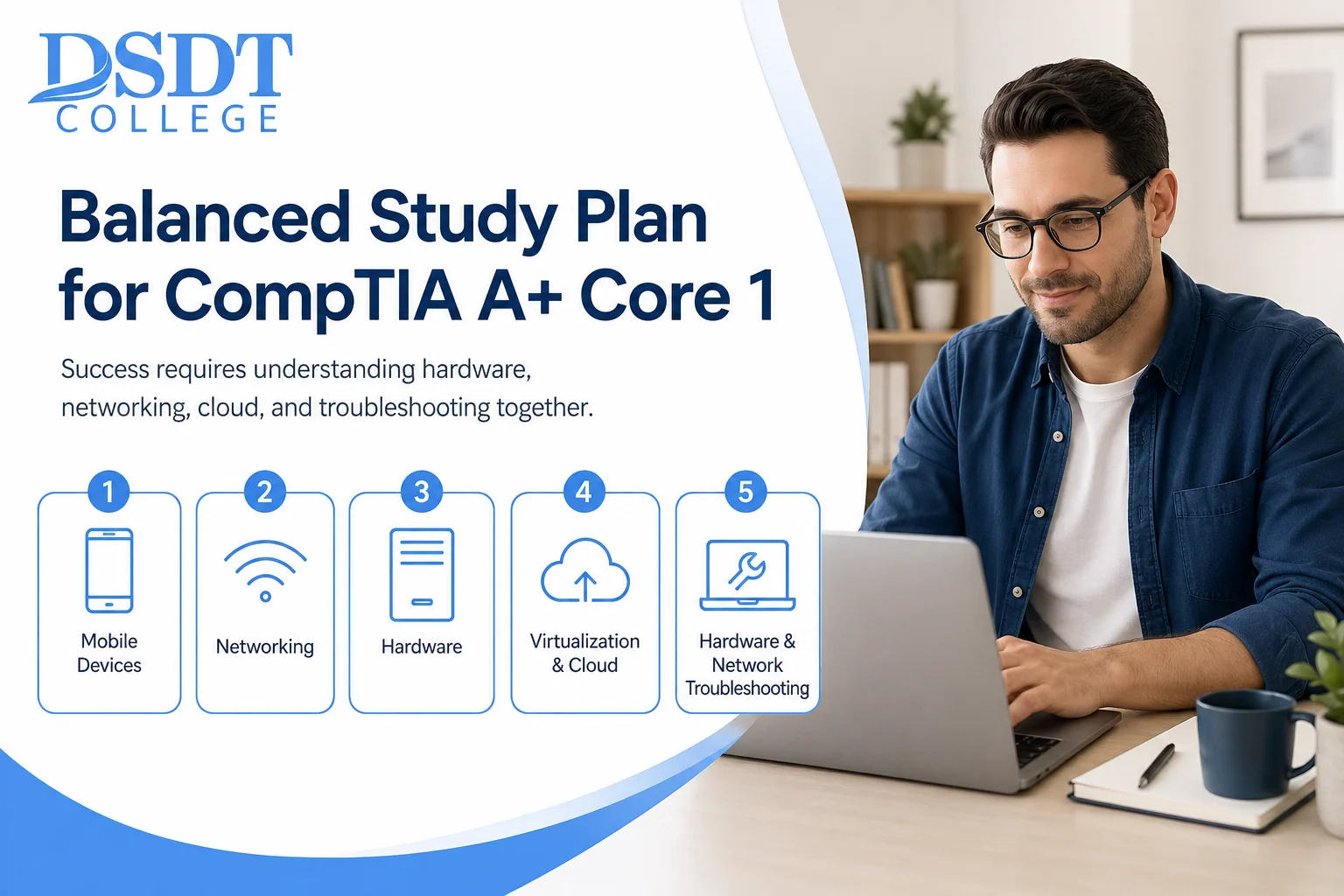
Success on the CompTIA A+ Core 1 requires a balanced study plan. You can’t just be a “hardware person”—you need to understand how that hardware talks to the network and the cloud. According to the official A+ Core 1 Certification V15 (New Version) – CompTIA objectives, the exam is divided into five domains:
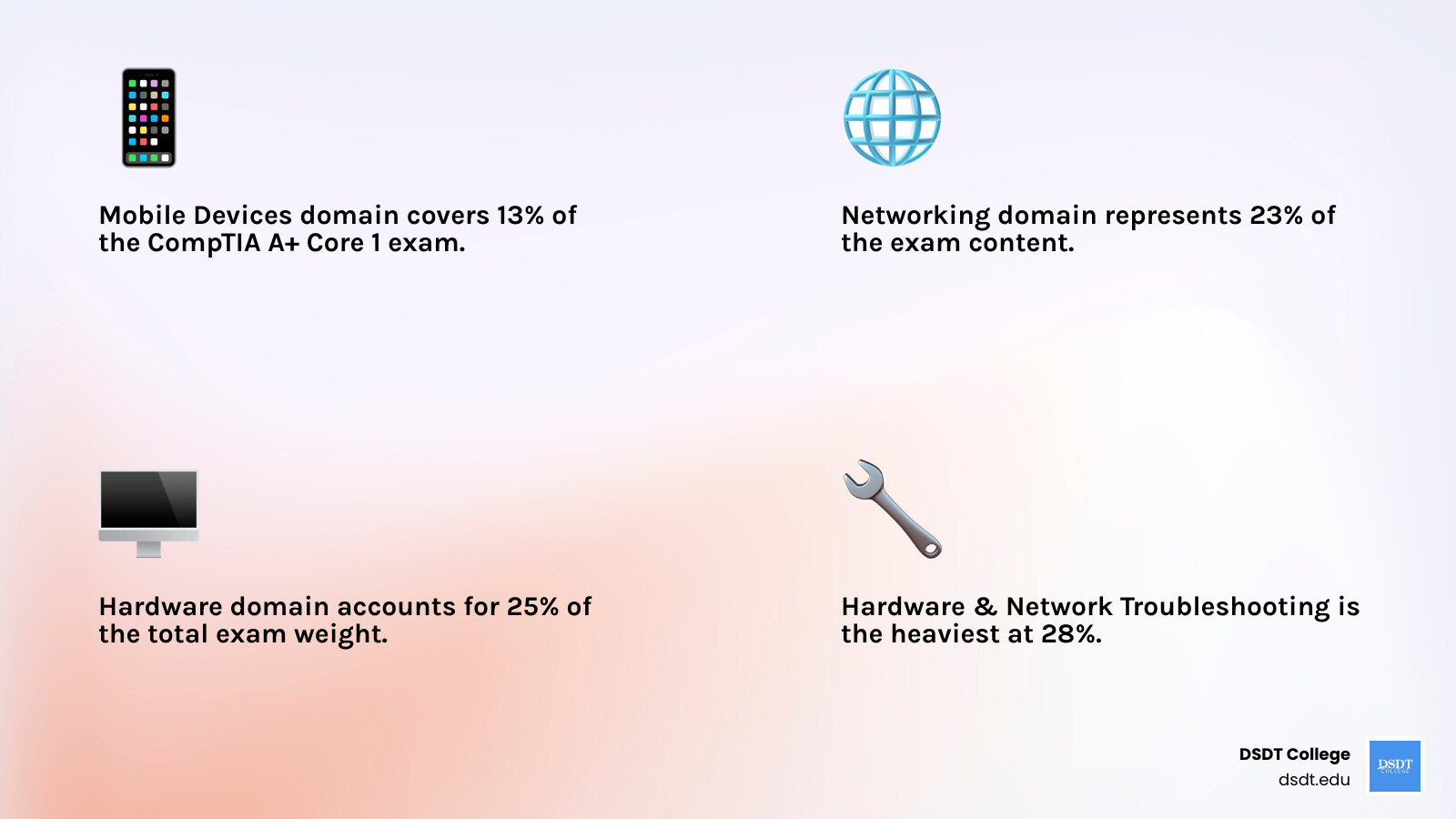
- Mobile Devices (13%): Laptop hardware and mobile connectivity.
- Networking (23%): Ports, protocols, and Wi-Fi standards.
- Hardware (25%): Motherboards, CPUs, RAM, and storage.
- Virtualization and Cloud Computing (11%): Cloud models and client-side virtualization.
- Hardware and Network Troubleshooting (28%): Solving real-world technical problems.
In the Mobile Devices domain, you’ll learn to configure devices for corporate use, including Mobile Device Management (MDM). Networking requires understanding TCP/UDP ports and SOHO network configuration. The Hardware domain covers components like power supplies and RAID arrays, while the Cloud domain focuses on SaaS, PaaS, and IaaS models.
Mastering Hardware and Network Troubleshooting
Troubleshooting is the most critical skill for an IT professional. CompTIA doesn’t just want you to know what a part is; they want to know if you can fix it when it breaks. We teach a specific six-step methodology: identify the problem, establish a theory of probable cause, test the theory, implement a plan of action, verify full system functionality, and document findings.
You will encounter scenarios like “the blue screen of death,” mechanical hard drive failure, or APIPA addresses (169.254.x.x), which indicate a failure to reach the DHCP server. Distinguishing between hardware failures, like a dead battery, and software issues is key to passing this section.
Preparation Strategies and Study Resources
The best way to study is through a combination of reading, watching, and doing. Hands-on experience is the “secret sauce.” If you can, find an old desktop computer, take it apart, and put it back together. Configure your home router from scratch. These practical actions make the theoretical concepts stick.
Resources like Professor Messer, CompTIA CertMaster, and instructor-led training at DSDT College provide structured paths. For Performance-Based Questions (PBQs), stay calm, know your command line (ipconfig, ping, tracert), and read every prompt carefully. PBQs often have multiple parts, so ensure you complete every step requested in the prompt.
Career Paths and Certification Maintenance
Passing the CompTIA A+ Core 1 (and subsequently Core 2) opens doors to several entry-level roles. Common job titles for A+ certified professionals include:
- Help Desk Technician
- Service Desk Analyst
- Desktop Support Specialist
- Field Service Technician
- Associate System Administrator
For those in the military community, this certification is a gateway to specialized roles like Cyber Defense Infrastructure Support Specialist.
Certification Renewal and Next Steps
Your A+ certification is valid for three years. To keep it active, you don’t necessarily have to retake the exam. You can earn Continuing Education Units (CEUs) by attending webinars, completing additional training, or earning a higher-level certification like CompTIA Network+ or Security+.
At DSDT College, we often recommend that students treat A+ as the starting line. Once you have the foundation, moving into Network+ or Security+ will significantly increase your earning potential and job security in the cybersecurity field.
Frequently Asked Questions about A+ Core 1
How long does it take to prepare for the Core 1 exam?
Most students spend 3-4 months studying for both A+ exams. If you focus solely on Core 1, you can likely be ready in 6-8 weeks of consistent study.
Can I take Core 1 and Core 2 in any order?
Yes! You can take them in any order you like. However, you must pass both exams from the same version (e.g., both must be V15) to become certified. You cannot mix a V14 Core 1 with a V15 Core 2.
Does the CompTIA A+ certification expire?
Yes, it expires after three years. You can renew it by earning CEUs or by passing a higher-level CompTIA certification exam.
Conclusion
Earning your CompTIA A+ Core 1 certification is more than just passing a test; it’s about proving to yourself and the industry that you have the skills to succeed. Whether you are looking to pivot careers or maximize your military training for the civilian world, this credential is your ticket to the IT industry.
At DSDT College, we are committed to helping you navigate this journey. Our programs are designed to be flexible, military-friendly, and focused on real-world results. If you’re ready to take the next step toward a career in technology, we’re here to help you get there.